The sensor restarts by itself when its power chip does not answer
With firmware 0.4.1, when the sensor starts and its power chip does not answer, the sensor restarts by itself, up to three times. Before, it could stay silent and the app could not find it. If the power chip still does not answer, the sensor stays visible in the app and the app tells you to contact support. In this state the sensor cannot measure or charge. If the power chip answers again, the sensor restarts and works as before. If not, the sensor switches itself off after 30 minutes to protect the battery.
Firmware
The battery runs from 0 % to 100 % and the app shows the time of use
With firmware 0.4.0, the battery level runs from 0 % to 100 %. At 0 %, the sensor switches itself off. At 100 %, the charger stops. The app now shows the time of use. While the sensor charges, the app also shows the time to full. Charge the sensor until the app shows more than 6 % before you use it without the charger. This is 15 % real charge on the new scale.
Firmware
The sensor switches itself off when the battery is empty
With firmware 0.3.4, when the battery is nearly empty, the sensor switches itself off instead of restarting again and again. It stays off until you connect a charger. Charge it until the app shows more than 17 % before you use it without the charger. The sensor also no longer switches itself off 5 minutes after it connects. This could happen when the app connected just as the sensor started. And after you cancel an update, the sensor now answers the app again. Before, it could stop answering until you switched it off and on again.
Firmware
The sensor's battery ages more slowly
With firmware 0.3.3 the sensor stops the charge a little before the cell is full, so the battery ages more slowly. The app still shows 100 % when the charge is complete. The battery level is also more accurate, because the sensor now uses a model measured on its own cell. Update the app too: the new app shows the charge the sensor has taken in, and an older app no longer shows the sensor's diagnostics.
Firmware
The sensor charges well on a weak USB charger
With firmware 0.3.2 the sensor no longer starts and stops its charge again and again when the USB charger is weak, so the charge light stops blinking. The sensor takes less current from the charger until the charge holds. If the charger is still too weak, the app tells you to use a 5 V / 2 A charger.
Firmware
The sensor is activated once and works only with the official app
With firmware 0.3.0 the sensor works only with the official Banot app: with any other app it stays in a reduced mode and sends no LiDAR data. Each sensor is activated once, with its order's code; from then on, any phone with the official app uses it without a code, and needs internet only the first time it connects. A sensor reported stolen cannot be activated. Updates now travel encrypted and, once this version is installed, the sensor no longer accepts earlier versions. It needs an up-to-date app.
Firmware
The sensor confirms a charger fault before it warns
The firmware now holds the charger fault instead of raising it on a single reading, and shows the register's raw bytes next to the diagnosis in the app.
Android
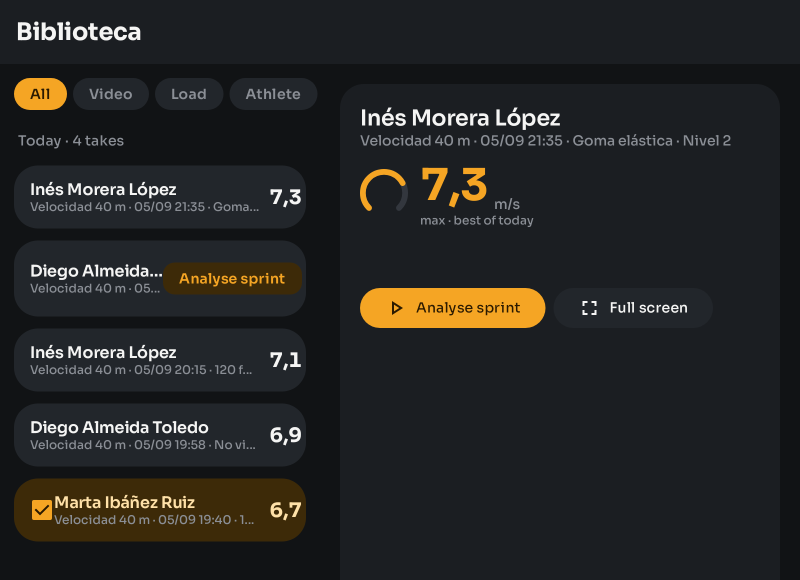
The library, playback and analysis screens now come in five faces
The Android app now lets you pick from five visual themes — Premium, Glass, Bold, Track and Drimiun — that change the color and typography of the library, playback and analysis screens without touching the data they show.